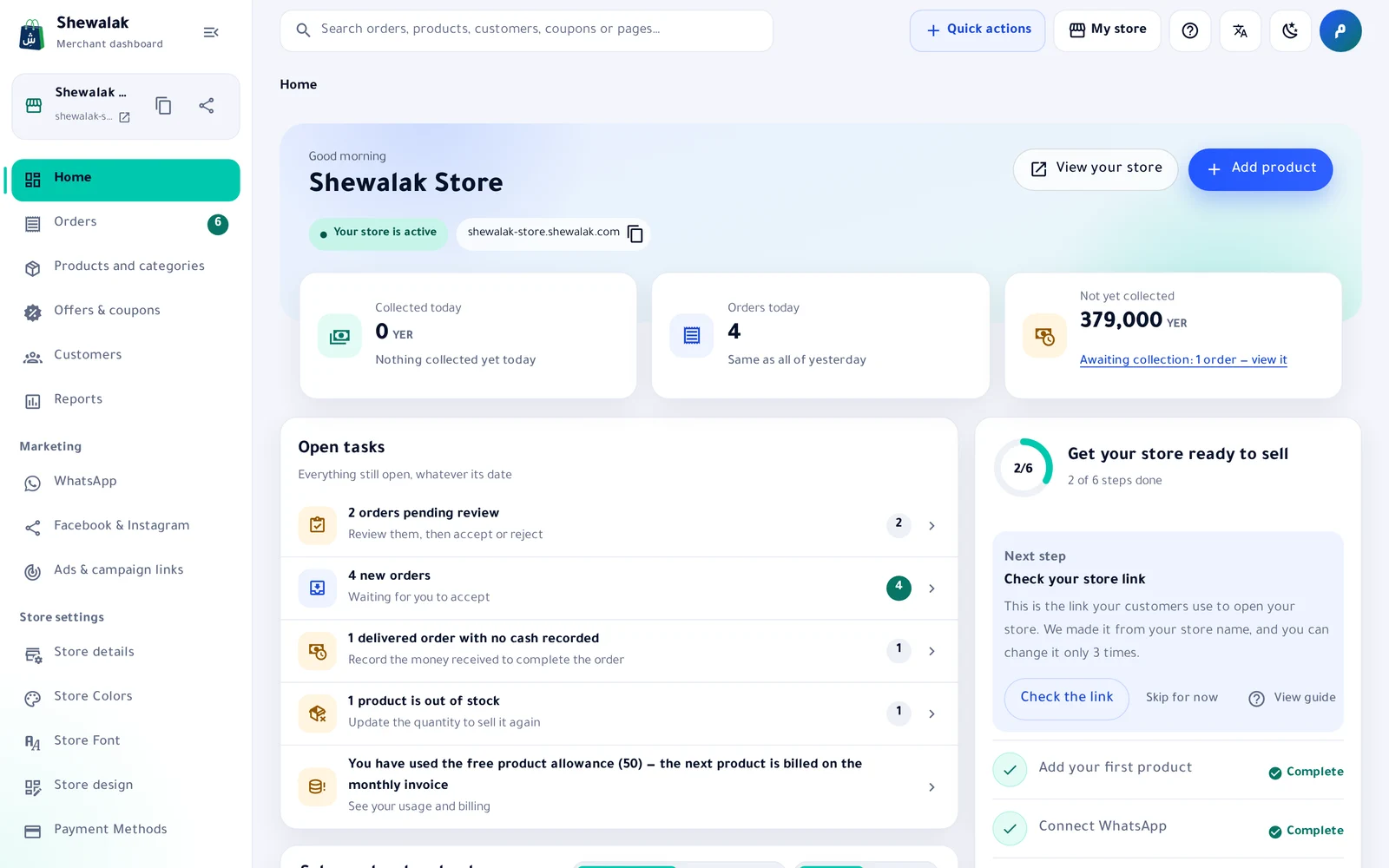
From your store link
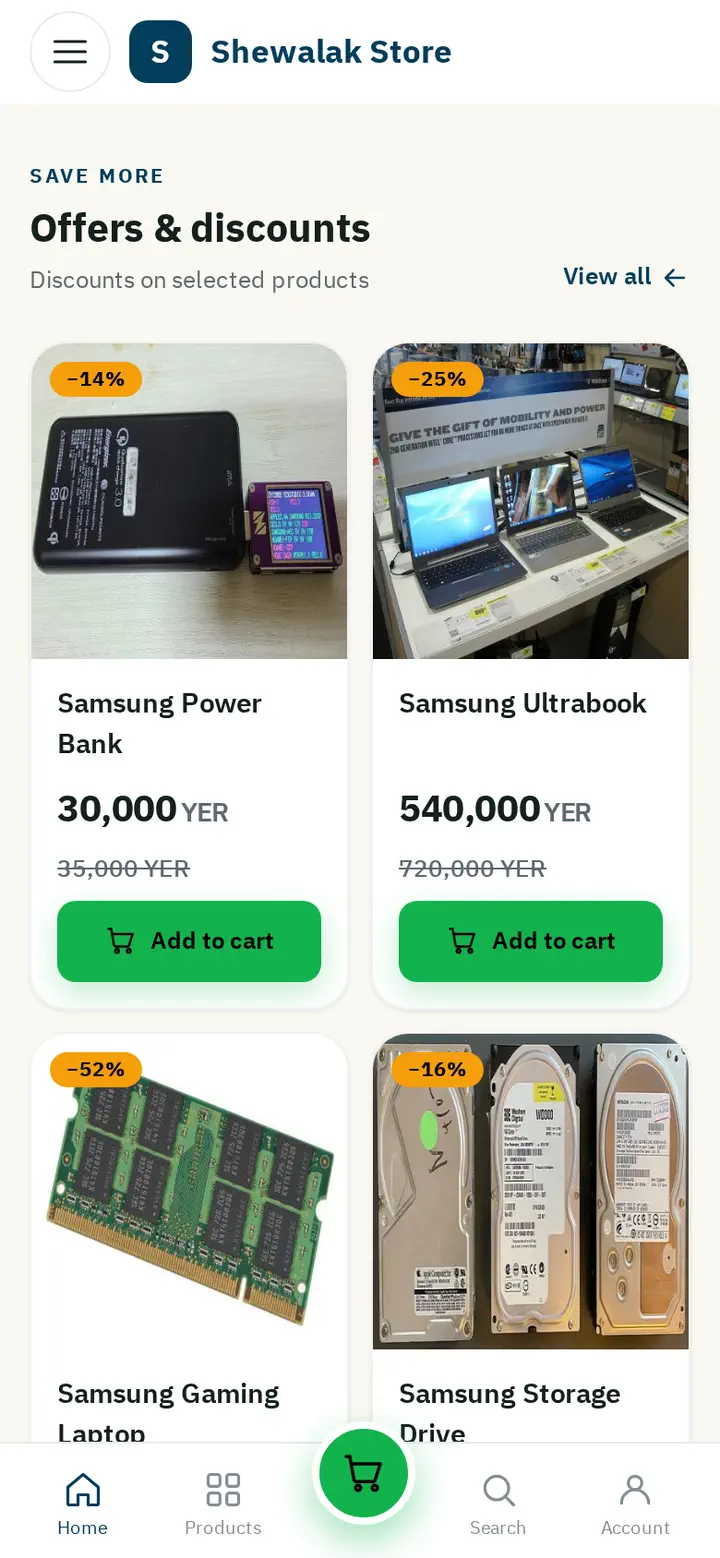
Customers open your store in the browser, fill the cart and order, with no app to install.
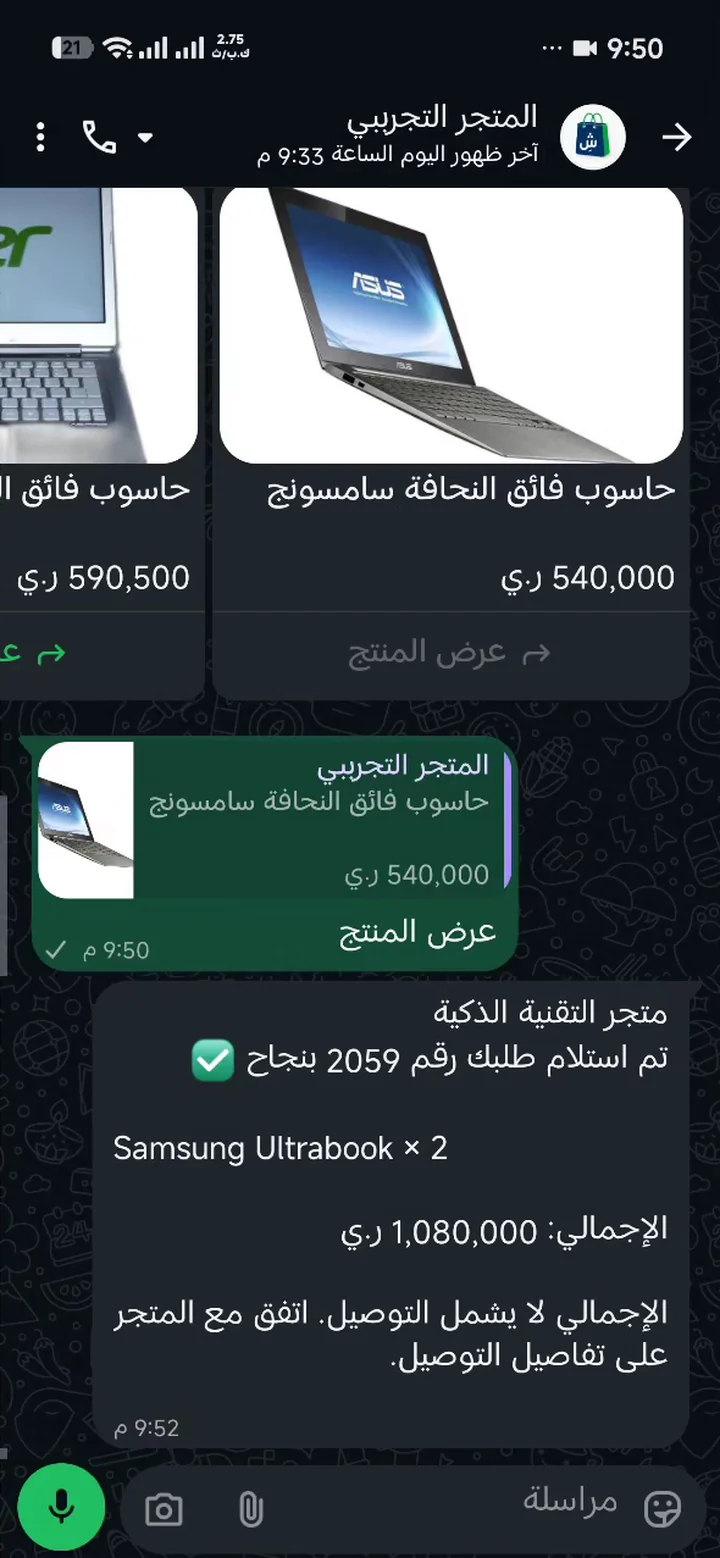
Connecting WhatsApp is optional. Use a number set aside for the store, not your personal one, because WhatsApp may ban a connected number. Read the connection guide
Merchant app coming soon to Google Play
From your phone or computer, with a detailed guide for each step.
Guides:Your first hour on Shewalak
Guides:Sharing your store link
Customers order from your store link in their browser, or inside a WhatsApp chat if you connect your store number. Either way, the order reaches you in the same place.
Customers open your store in the browser, fill the cart and order, with no app to install.
Customers browse, order and follow the order inside the same chat.
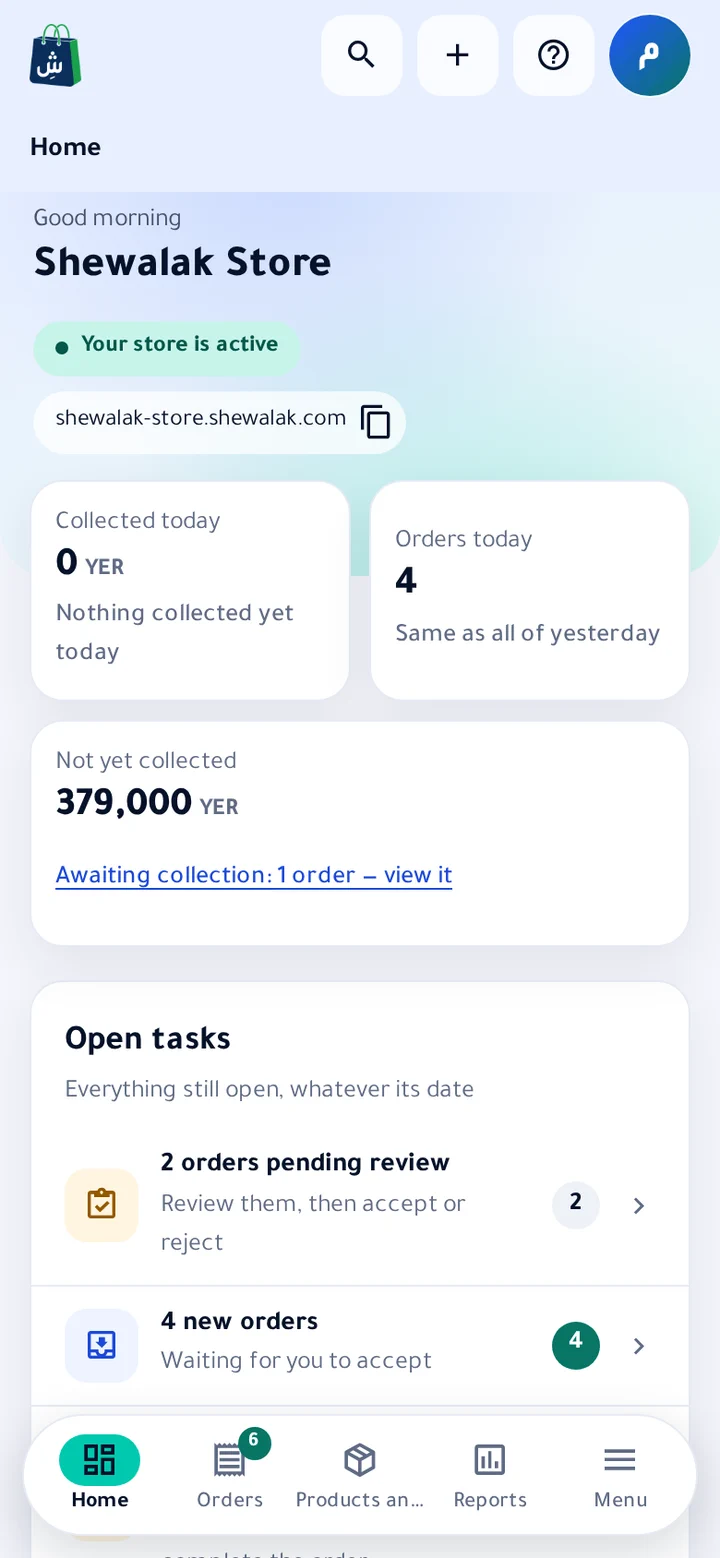
Every order lands in your dashboard
Order 2059 received. It is now being prepared ✅
Your items are still in the cart. Finish your order? 🛒
The store owner will take it from here 👋
Connecting is optional. Use a number set aside for the store, not your personal one, because WhatsApp may ban a connected number. How to connect WhatsApp
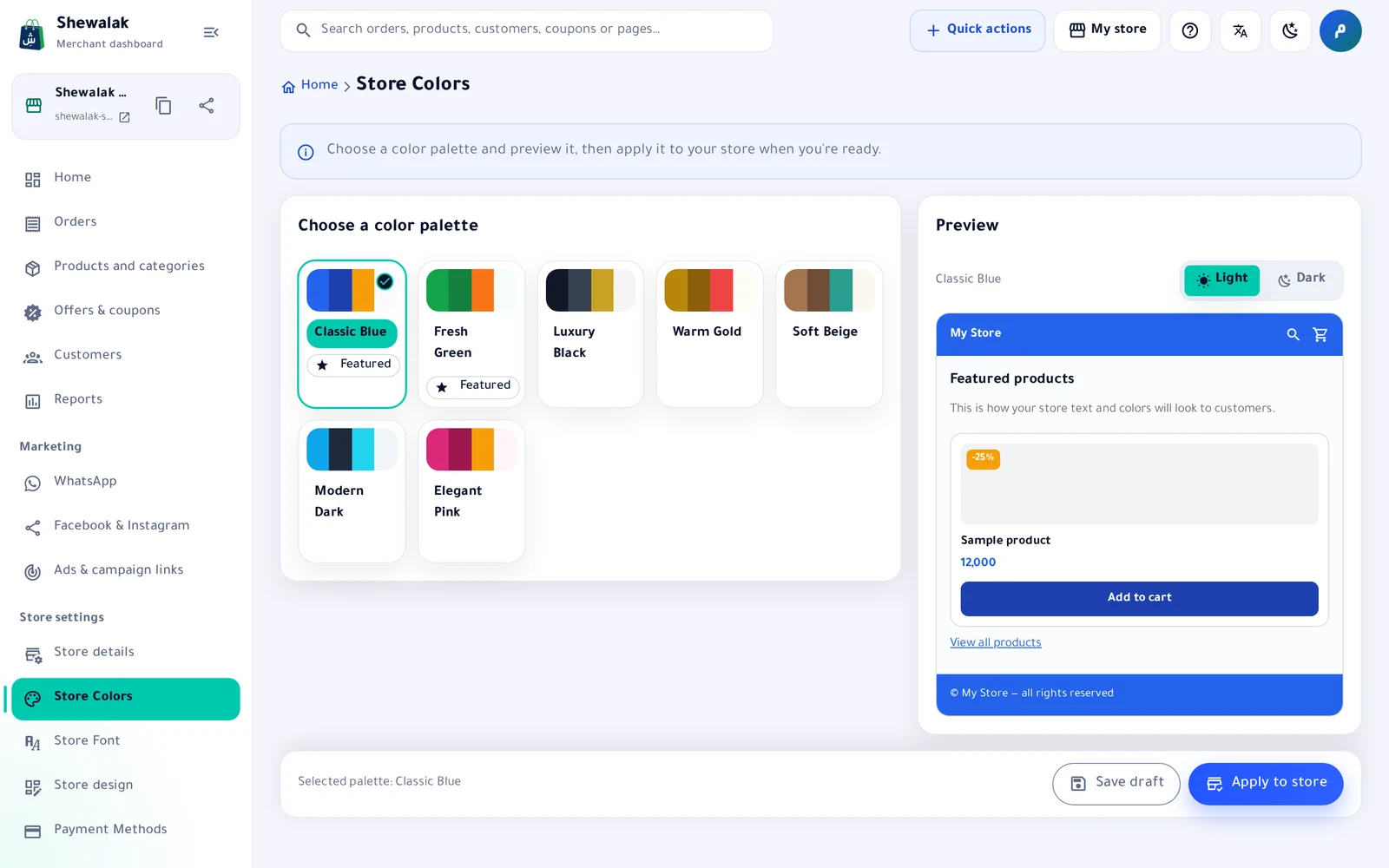
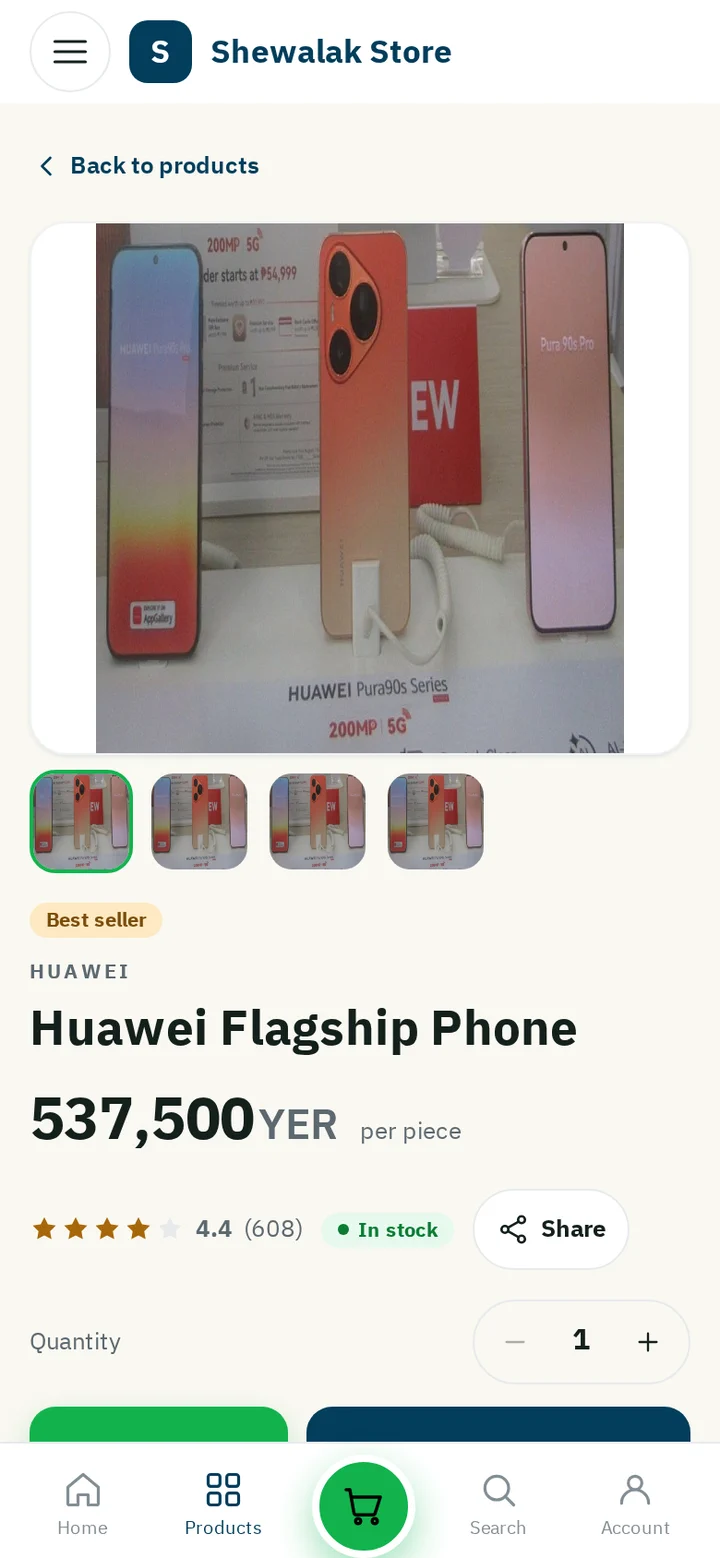
Customers see your product photos, prices and sizes, and read your returns and warranty terms before they order.
Returns · Warranty · About us
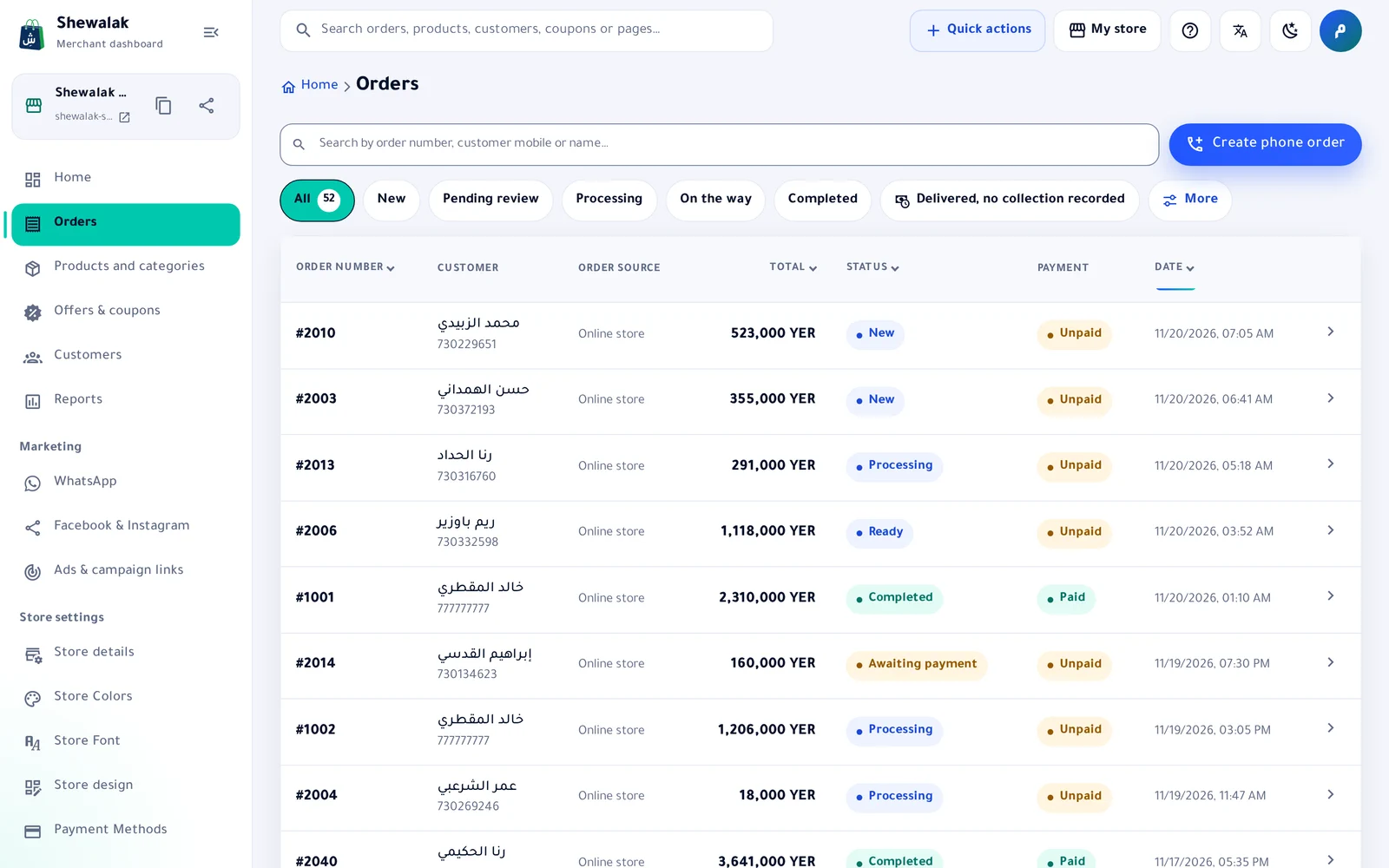
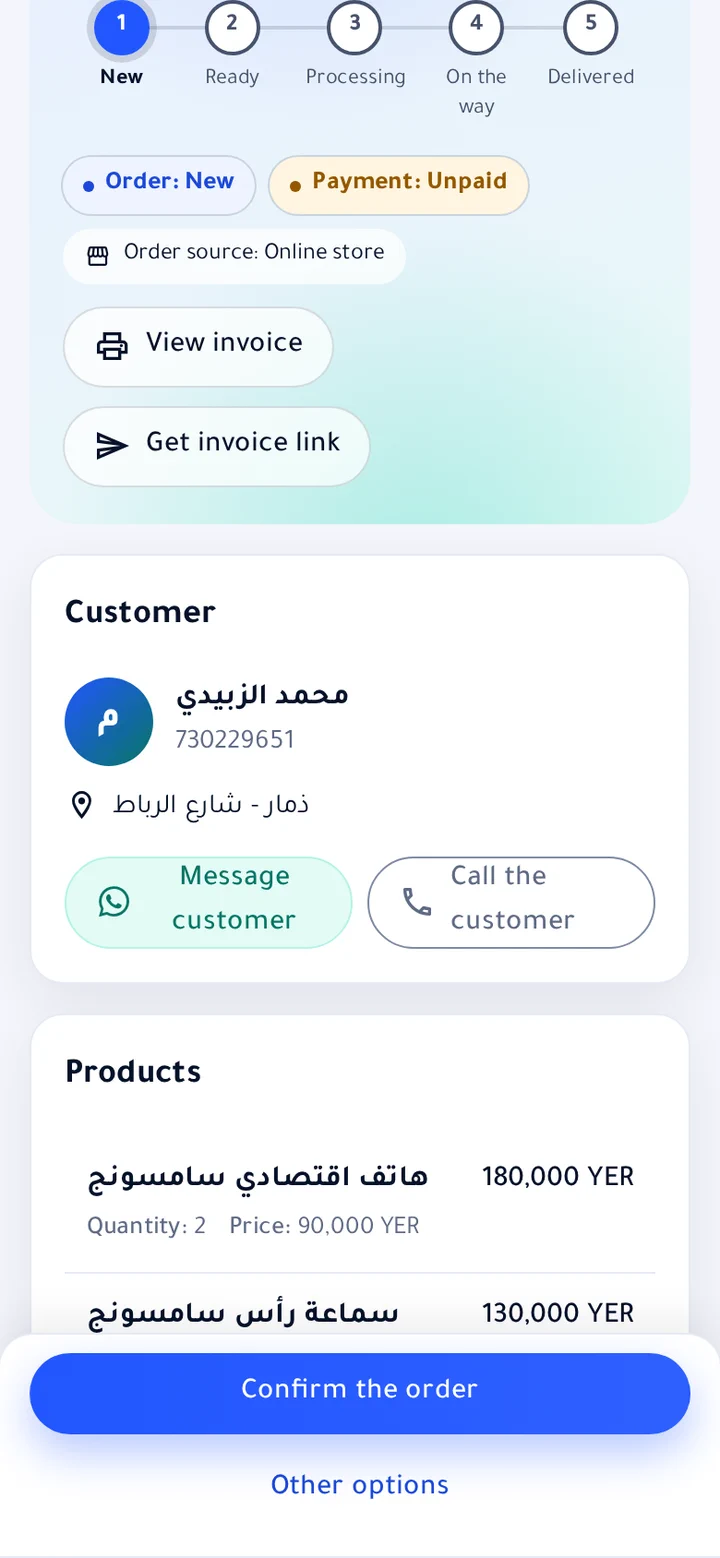
Each order arrives with the customer's name, number, address and products, so you never dig through messages for it. You move it from one status to the next, and the customer sees each change from the order link.
Record an order that came by call or message, and send the customer the invoice link.
Cancel the whole order or return some items, and the stock goes back.
New
The full order appears in your dashboard.
Processing
You pick and pack the items.
On the way
It leaves with your courier or delivery company.
Delivered
The customer has the order, and you record the money received.
These are the most common statuses. Your dashboard has others, such as Pending review and Canceled.
Shewalak never holds your customers' money: it goes straight to you. Delivery runs through the shipping companies and delivery apps you connect to your store, or through your own courier on your terms.
In cash to your courier when the order arrives.
To your courier, then to you.
Record on the order what you received, in full or in part.
By transfer to your wallet, bank account or exchange office, then uploads a photo of the receipt.
Straight to your account.
Check the receipt against your account, then approve or reject it.
Shewalak is not connected to these providers. You enter your own account details so customers know where to transfer, and the money reaches you directly.
Connect your store to shipping companies and delivery apps, or deliver with your own courier. Customers see your delivery fee and areas at checkout.
The delivery fee customers see
Each store prices in one currency you pick from these; two currencies never mix in one store.
Offers that bring customers back, numbers that show what works, and AI that saves you writing time.
A percentage or fixed discount, on the whole store or chosen products, starting and ending when you decide.
A link for every place you post, so you see how many orders each one brought. For ads: Meta, Google, TikTok and Snap connections.
Shewalak sorts your customers for you: first-time buyers, regulars and those who have not ordered for a while, so each group gets the offer that suits it.
Send your offer by WhatsApp to customers who agreed to hear from you.
Customers rate after their order, and you choose which reviews show in your store.
It suggests the title and description your products, categories and store show in Google results. Google decides whether and where they appear.
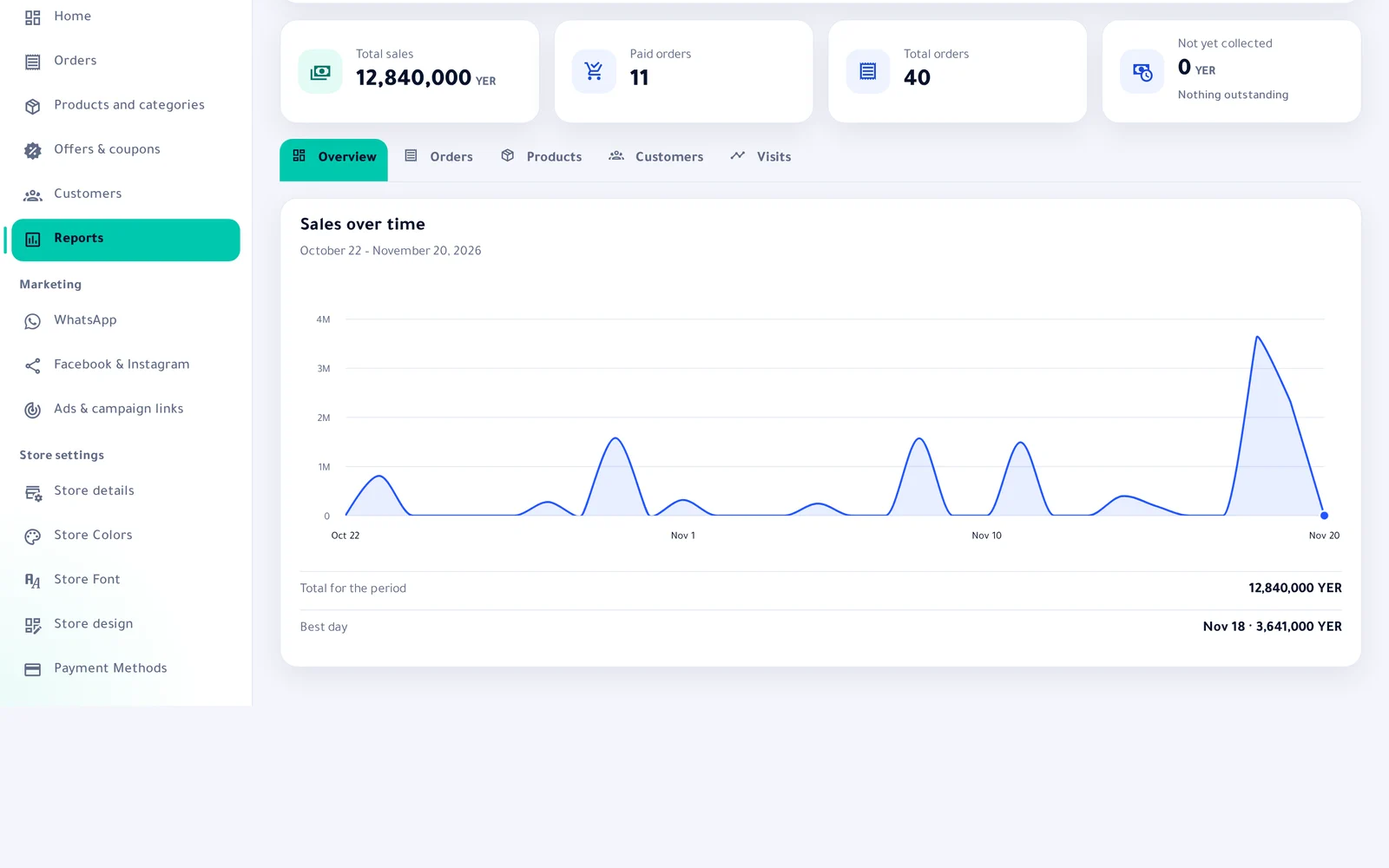
No plans and no subscription. Each month starts with a number of free orders, and after that you pay a percentage of the value of each order that is delivered or completed.
You see the number of free orders and the fee percentage in your dashboard from day one.
Read the full fee guideAn example month in your store
One bill in US dollars at month end
The counts in the example are for illustration only.
Didn't find your question?
The help centre has illustrated guides for every step, from your first product to connecting WhatsApp.
Visit the help centreShewalak is a smart Yemeni e-commerce platform that gives you an online store with its own link. Customers shop in the browser or inside WhatsApp, and you run it from one dashboard on a computer or a phone. Customers pay cash on delivery or by transfer to your own account, with no monthly subscription.
Sign up to Shewalak with your phone number and you get a store with its own link. Add your products with photos and prices, set your delivery cost and payment methods, and share the link with your customers. You need no developer and no hosting, and the setup checklist shows what is left.
Your Facebook or Instagram page shows your posts, but selling there happens in messages, one customer at a time. Your Shewalak store completes the sale: customers see the price, choose and order on their own. Use both together: post on your page and put your store link in it.
No. Customers order from your Shewalak store straight from their phone, without signing up or downloading an app. Anyone who wants can sign in with their phone number and a texted code so their address is saved for next time.
Connecting WhatsApp is optional on Shewalak, and your store works from its link without it. If you connect, use a number set aside for the store, not your personal one, because WhatsApp may ban the number. Connect from your phone with a code or a QR scan.
No. On Shewalak your customer pays your courier in cash on delivery, or transfers to your wallet, bank account or exchange office and uploads a photo of the receipt. The money reaches you directly, and you review and approve the receipt from the order page.
With Shewalak you choose: you can connect your store to shipping companies and delivery apps, or deliver with your own courier on your terms: in your dashboard you set free delivery, a fixed amount or a cost agreed with the customer, list your areas, and the customer sees this at checkout. You then update the order status until Delivered.
No. Shewalak gives you the store and the selling tools, and bringing customers is your part: you share your store link on WhatsApp, Facebook, Instagram and in your ads, as you do now, and your dashboard shows which of them worked.
On Shewalak, every order created in the month counts toward the free orders, cancelled ones included. Once they are used, a percentage applies to each delivered or completed order. A cancelled or rejected order carries no fee, and fees come together in a monthly bill in US dollars.
To reserve your place, send a WhatsApp message with “Shewalak” and the link to your store on Facebook or Instagram to 783383191
Send “Shewalak” on WhatsAppFollow our accounts to hear when registration opens.
Registration is closed for now. Until it opens, you can look around an example store and try the merchant dashboard.
Try before you sign up