Accept the new programme terms
When we publish a new version of the Shewalak Partners terms, read and accept it to get back into the portal, and find the version you accepted.
You first accepted the terms when you applied. When we publish a new version, the We updated the programme terms dialog appears on the first page you open and the portal pages wait until you accept. Your earnings keep accruing meanwhile, none is lost, and your invite code stays valid.
You are reading the computer way: the Shewalak Partners portal in a computer browser.
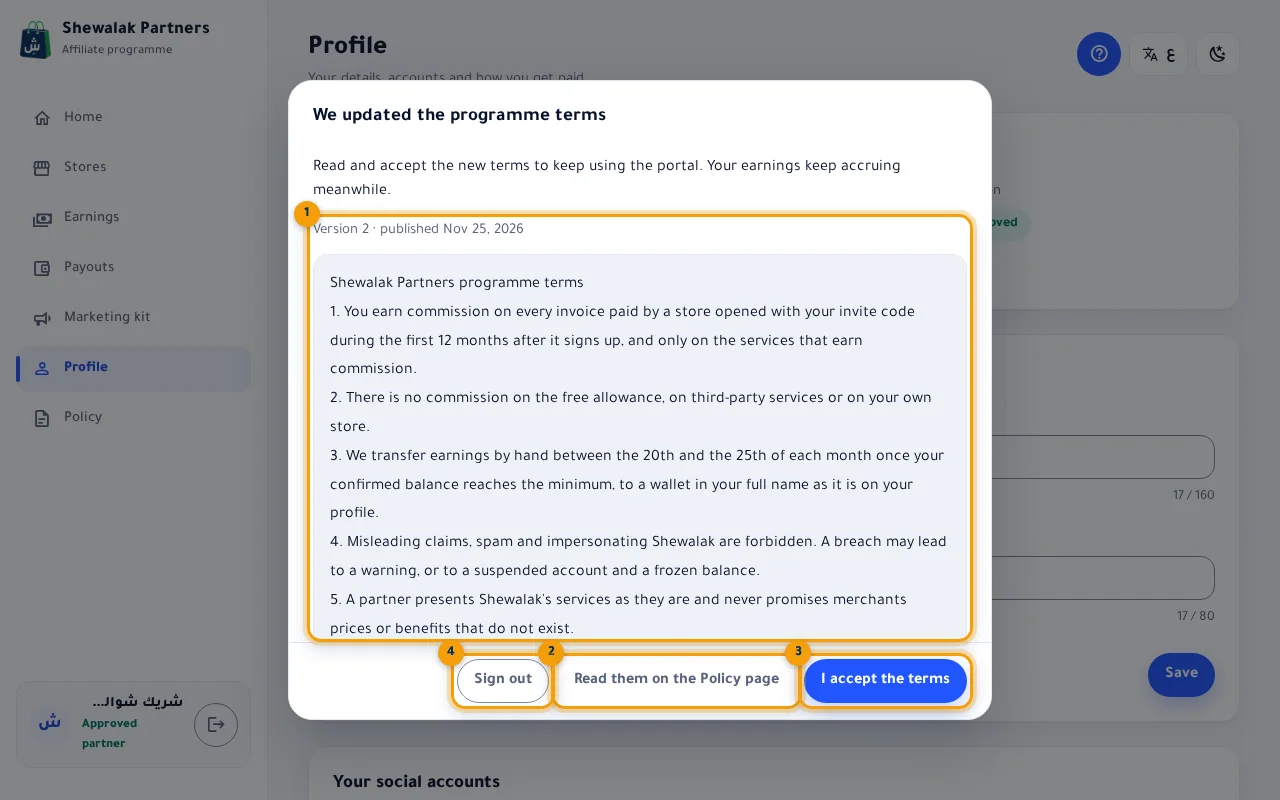
1. Read the terms and accept
- Read the new version in the dialog.
- To read it on a full page, select Read them on the Policy page.
- Select I accept the terms to return to the page you were on.
- If you do not want to accept now, select Sign out. The same dialog appears the next time you sign in.
2. Return to the terms any time
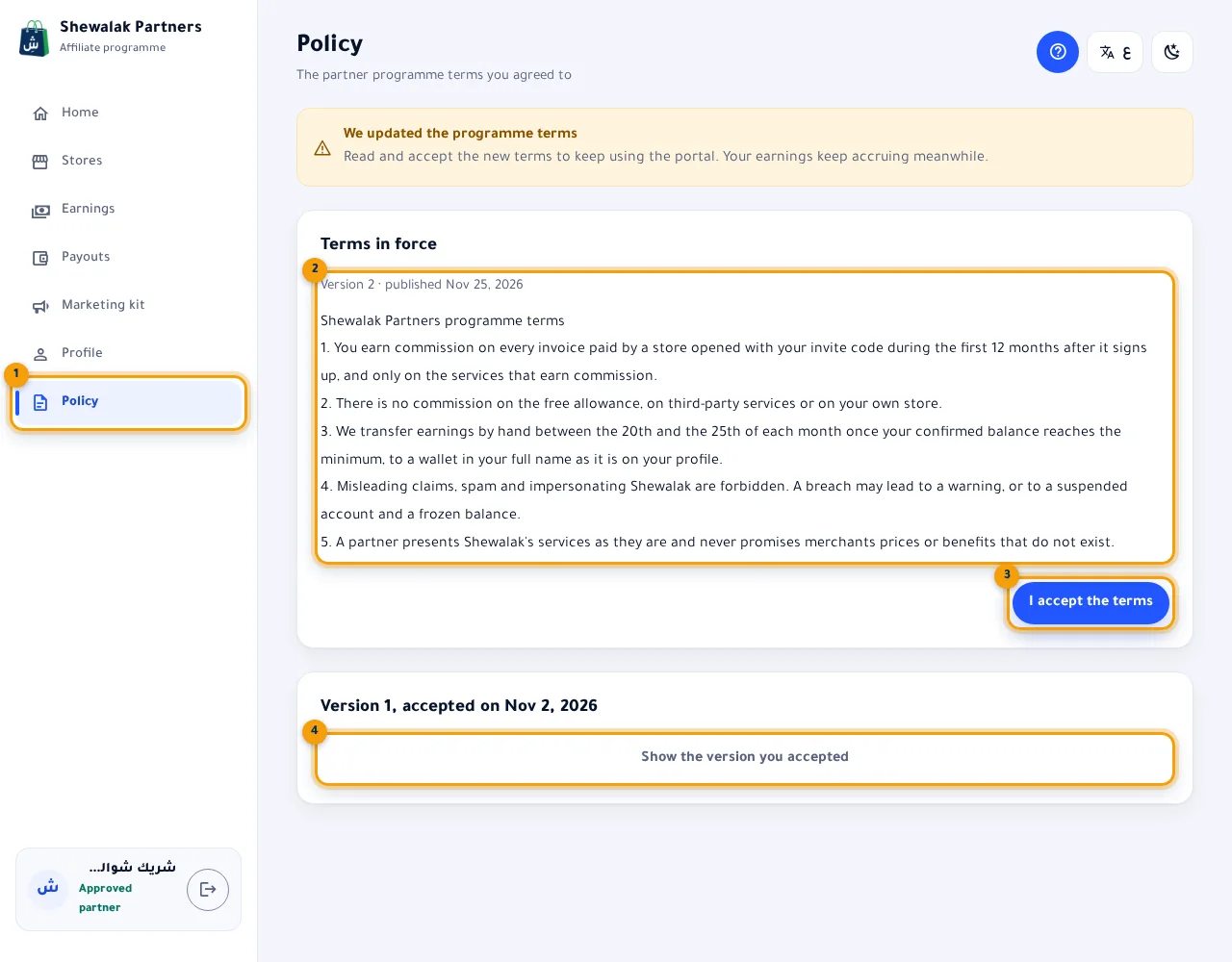
- Open Policy from the sidebar.
- Under Terms in force you find the current text, its version and publication date, and the date you accepted it if you did.
- If you have not accepted yet, the I accept the terms button is here too.
- Select Show the version you accepted to compare it with the new one.
You are reading the phone way: the Shewalak Partners portal at partners.shewalak.com in your phone's browser.
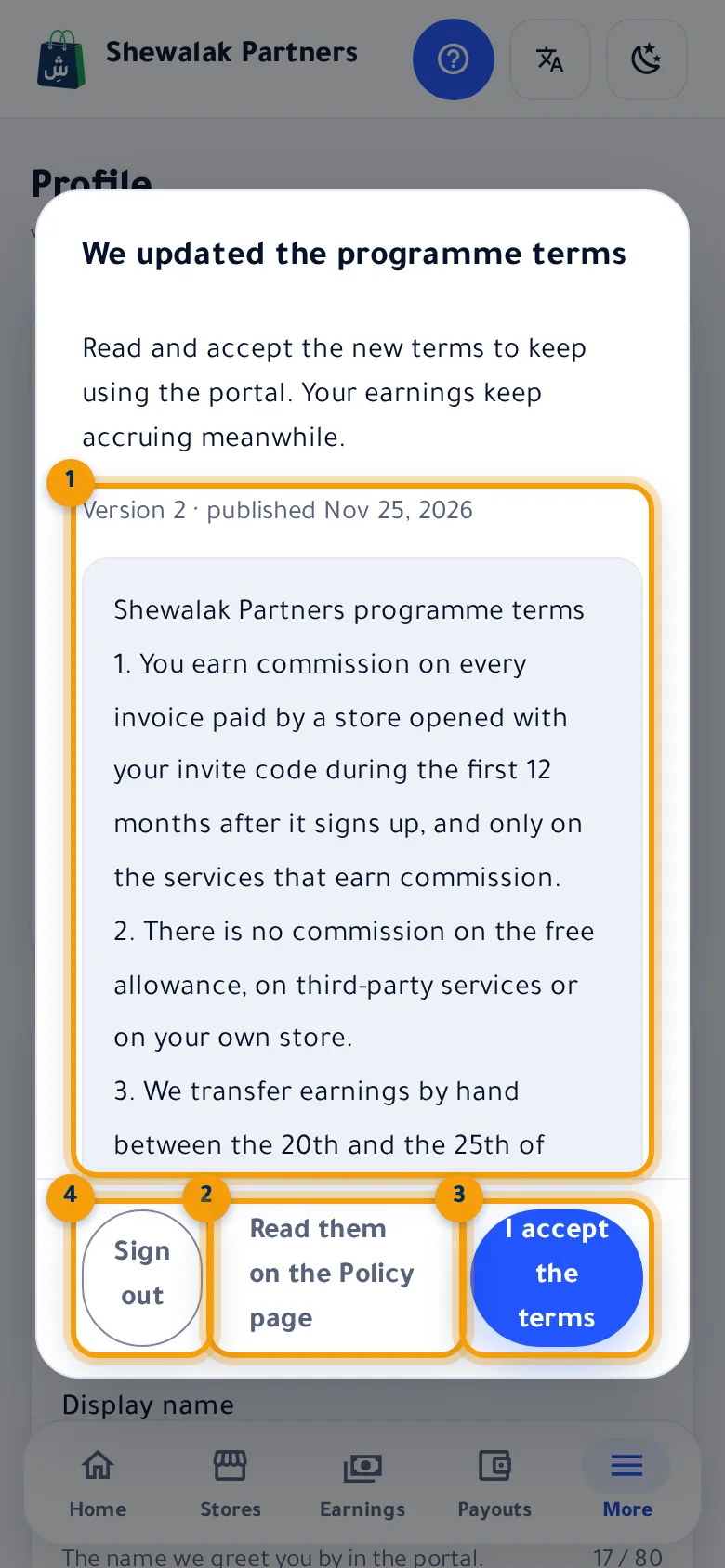
1. Read the terms and accept
- Read the new version in the dialog.
- To read it on a full page, tap Read them on the Policy page.
- Tap I accept the terms to return to the page you were on.
- If you do not want to accept now, tap Sign out. The same dialog appears the next time you sign in.
2. Return to the terms any time
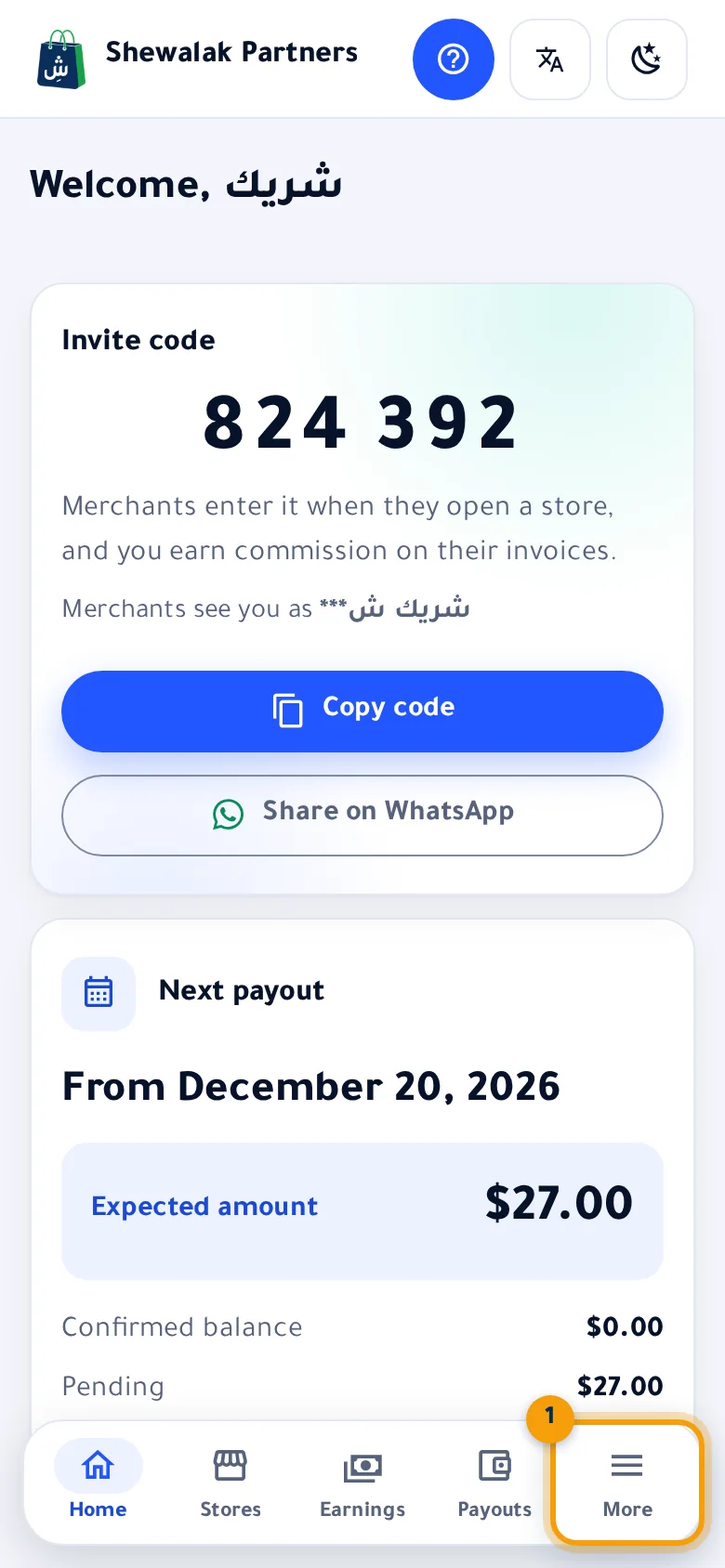
Tap More in the bottom bar, then Policy.
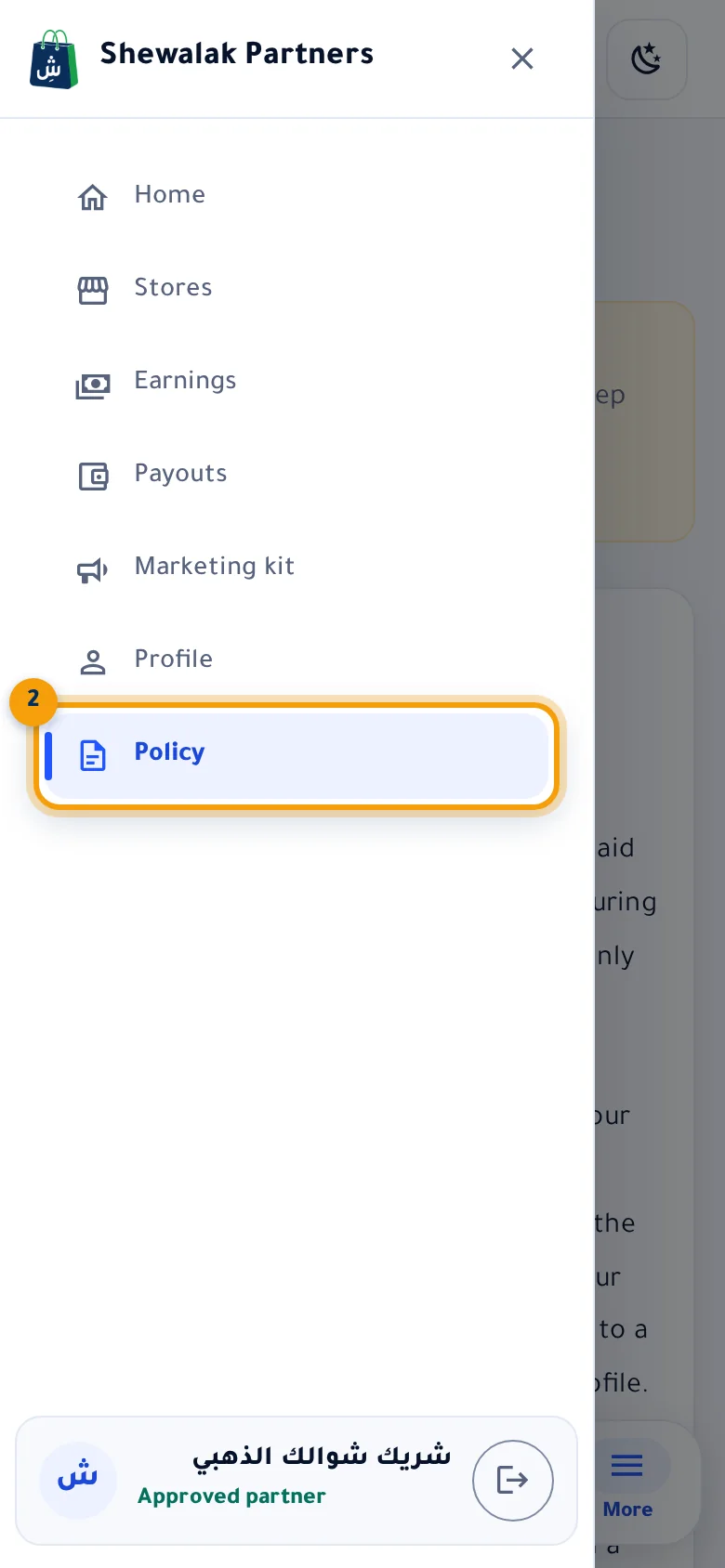
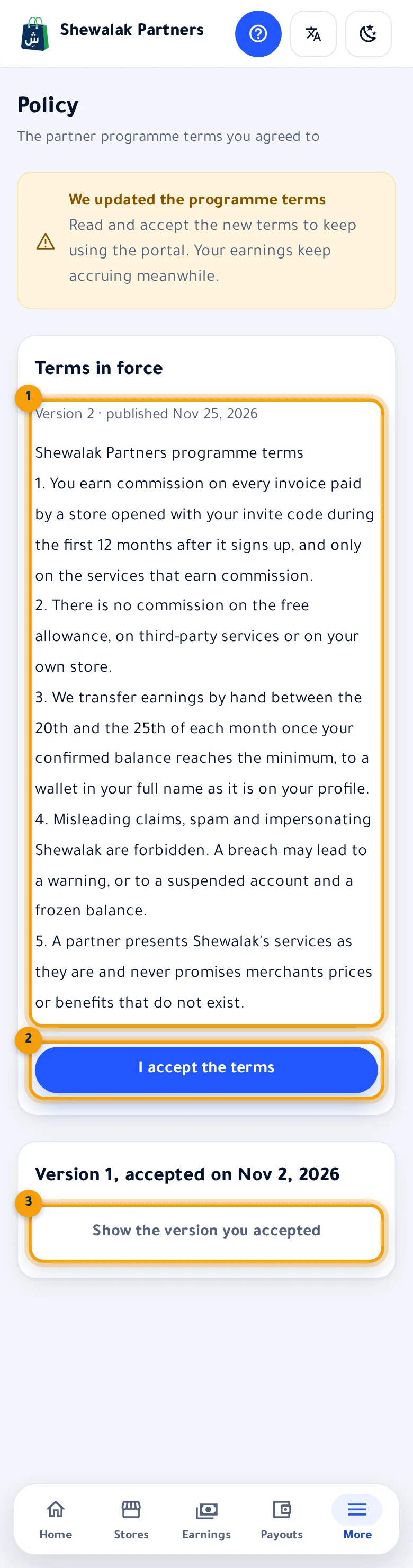
- Under Terms in force you find the current text, its version and publication date, and the date you accepted it if you did.
- If you have not accepted yet, the I accept the terms button is here too.
- Tap Show the version you accepted to compare it with the new one.
If you break the terms
- Warning: it appears at the top of the portal and reaches you in a message. Read it and select I've read this to close it.
- Ban: your code is not accepted for new stores, no commission accrues during the ban, and your balance stays out of transfer batches until the team decides about it. At sign-in you see Your account is banned and cannot sign in. with the reason.
What happens next
Once you accept, every page is back as it was. Next step: share your invite code and follow your stores.
Last updated: 2026-11-25
All Shewalak Partners articles